DENTAL TECH TUTORIALS
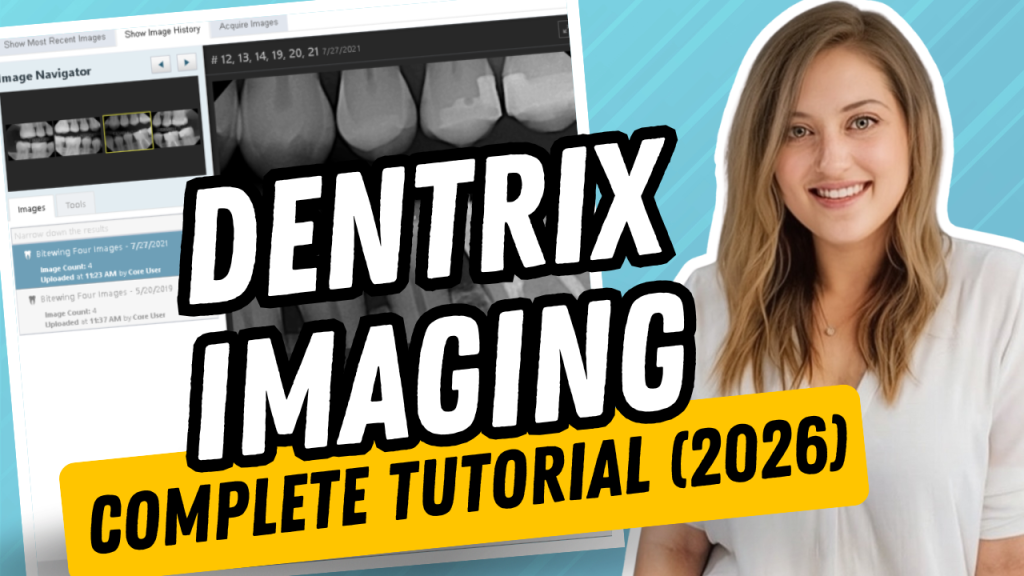
How to Use Dentrix Imaging (Complete 2026 Guide) If your office recently upgraded to Dentrix Imaging, you’re probably wondering where everything went—and how to use the new software efficiently. Whether you’re a dental hygienist, dental assistant, dentist, or office administrator, this guide will walk you through the basics of Dentrix…
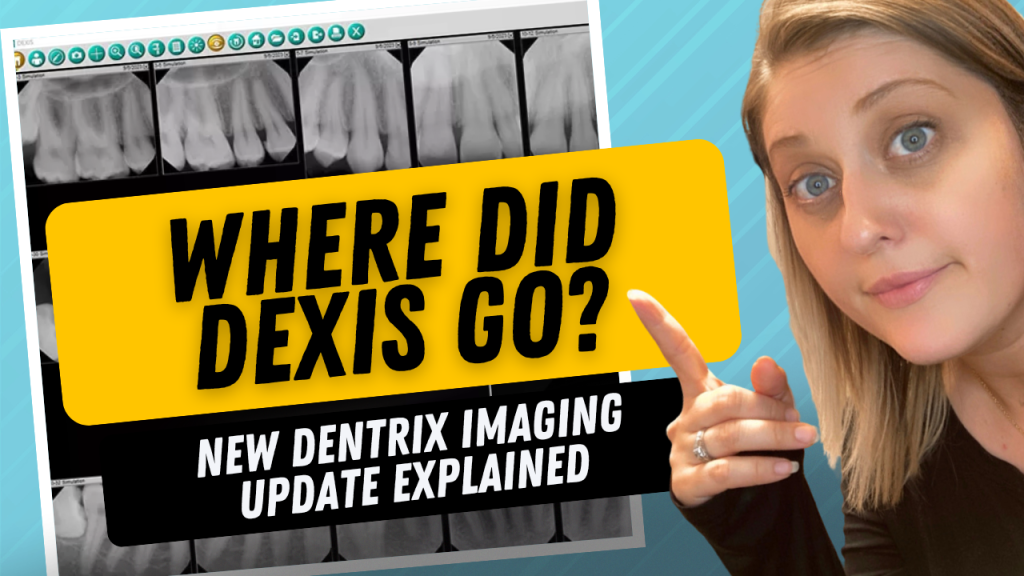
Dentrix Imaging Update: Where Did Dexis Go? Everything You Need to Know If you logged into Dentrix after a recent update and immediately wondered, “Where did Dexis go?”—you’re not alone. That’s exactly what happened in my office. We came in after the weekend, noticed our familiar Dexis workflow had changed,…
How to Add Attachments to Insurance Claims in Dentrix (X-Rays, IO Photos, Perio Charts & More) Submitting insurance claims with the proper documentation is one of the most important steps in helping claims get processed quickly and accurately. Whether you’re sending scaling and root planing claims, crowns, periodontal treatment, or…
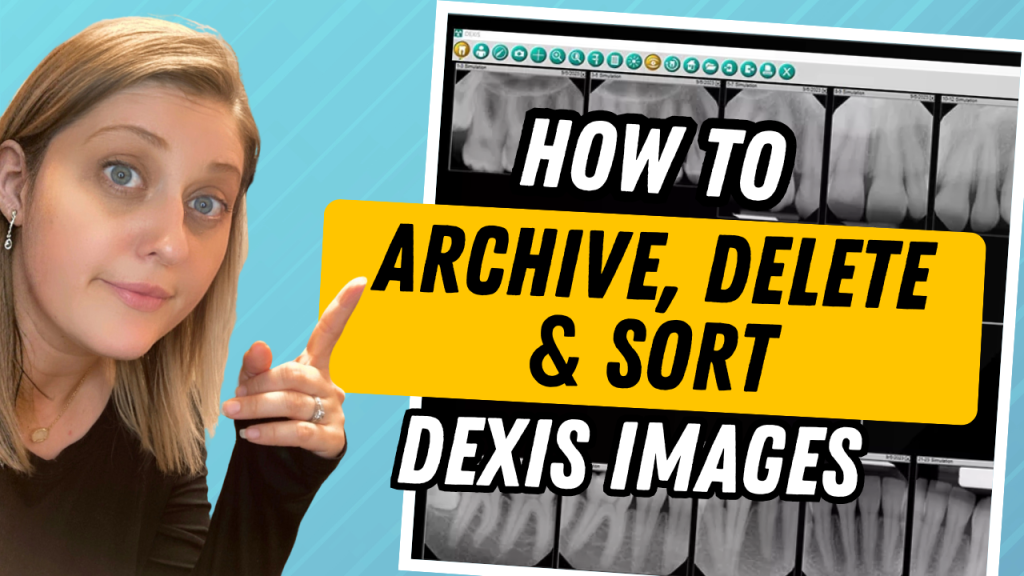
How to Archive, Delete & Organize Images in Dexis (X-Rays & Intraoral Photos) If you’ve ever looked at a patient’s image screen in Dexis and felt overwhelmed by years of X-rays and intraoral photos, you’re not alone. As patients return year after year, their image history can quickly become cluttered,…
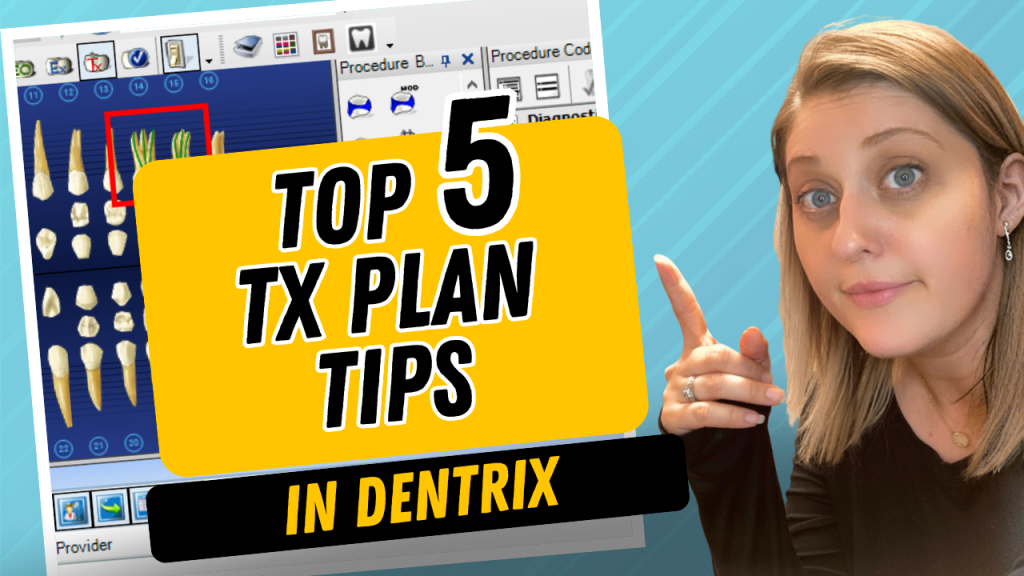
Top 5 Tips for Efficient Treatment Planning in Dentrix Treatment planning in Dentrix can feel overwhelming at first because there are so many features and options available. But those same features are also what make Dentrix so powerful. Once you understand a few key tools, you can dramatically speed up…
How to Keep Your Hygiene Schedule Full in Dentrix | Continuing Care, ASAP & Unscheduled Lists A full hygiene schedule is one of the biggest drivers of production and patient retention in a dental practice. Unfortunately, keeping the schedule full doesn’t happen automatically. It requires consistent follow-up, effective systems, and…
How to Create & Manage Patient Alerts (Pop-Up Notes) in Dentrix Patient Alerts are one of the most useful communication tools available in Dentrix. They help ensure important patient information is seen by the right team members at the right time. Whether you need to remind your team to verify…
Dentrix Signature Manager Tutorial: Find Missing Notes & Sign Clinical Notes Faster Clinical notes are one of the most important parts of a patient’s chart. They document the treatment that was performed, recommendations that were made, and important details about the patient’s visit. But when the schedule gets busy, it’s…
Breaking, Cancelling & Deleting Appointments in Dentrix (When to Use Each) One thing that causes a lot of confusion in Dentrix is the difference between breaking, canceling, and deleting appointments. Even though all three remove an appointment from the schedule, they each work very differently — and choosing the wrong…
How to Create Events in Dentrix If you want a simple way to organize your Dentrix schedule, block off time, create reminders, or schedule recurring meetings, using Events in Dentrix can be incredibly helpful. Events allow you to place customizable blocks directly on the appointment schedule without scheduling an actual…